Independent people appear first in mixed discovery. Studio is Actuallize’s own labelled service; using AI does not make you a Studio seller. Any freelancer contribution needs its own agreed scope and compensation. How Studio works
One request, a shared agreement
From a useful proposal to agreed work.
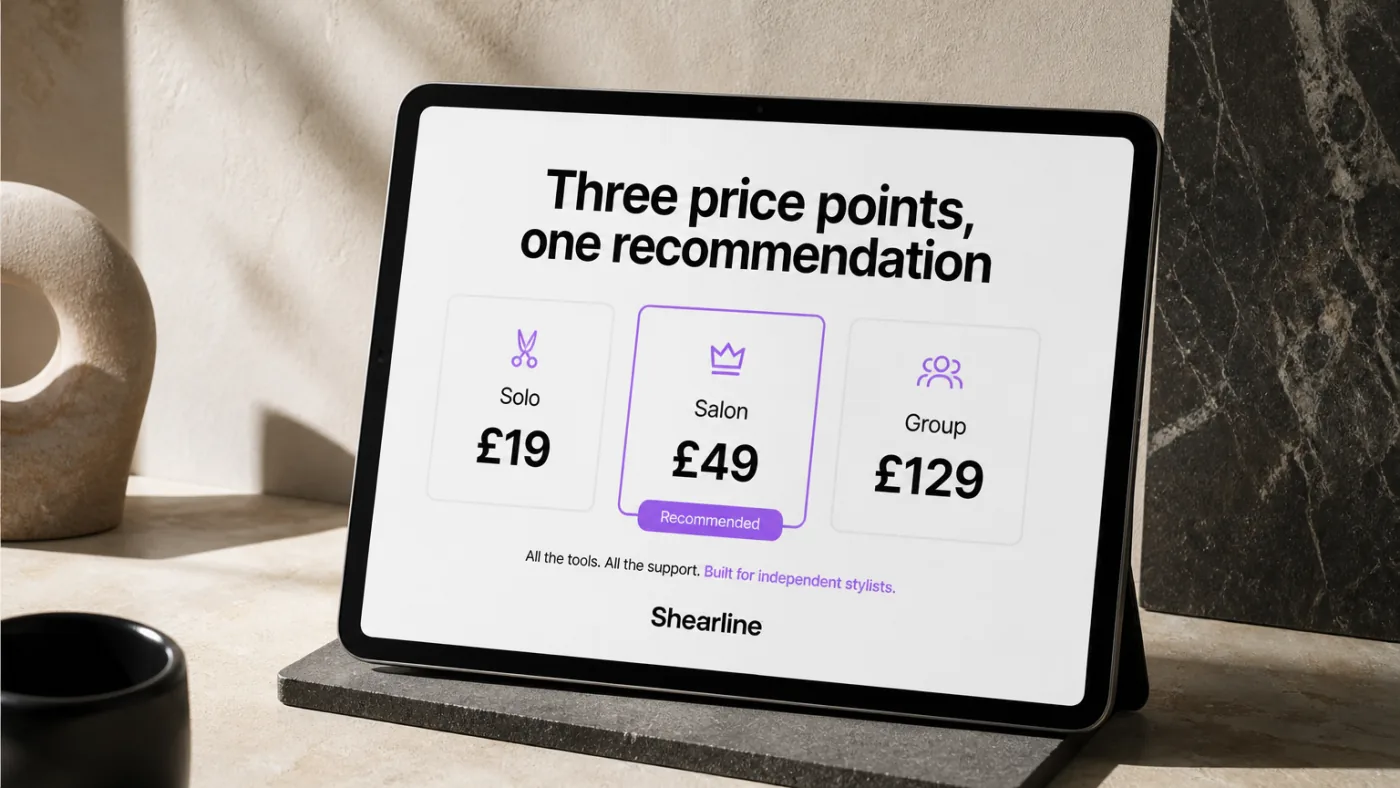
“Shearline” Studio concept
01
The request
“Research our competitors before we set pricing”
02
Agree the delivery
A comparison of eleven competitors · Twelve customer interviews, summarised.
03
Review the work
Check against the brief. Approve, request changes or report a problem.
Studio-made examples · a world of skills
Explore work across different fields.
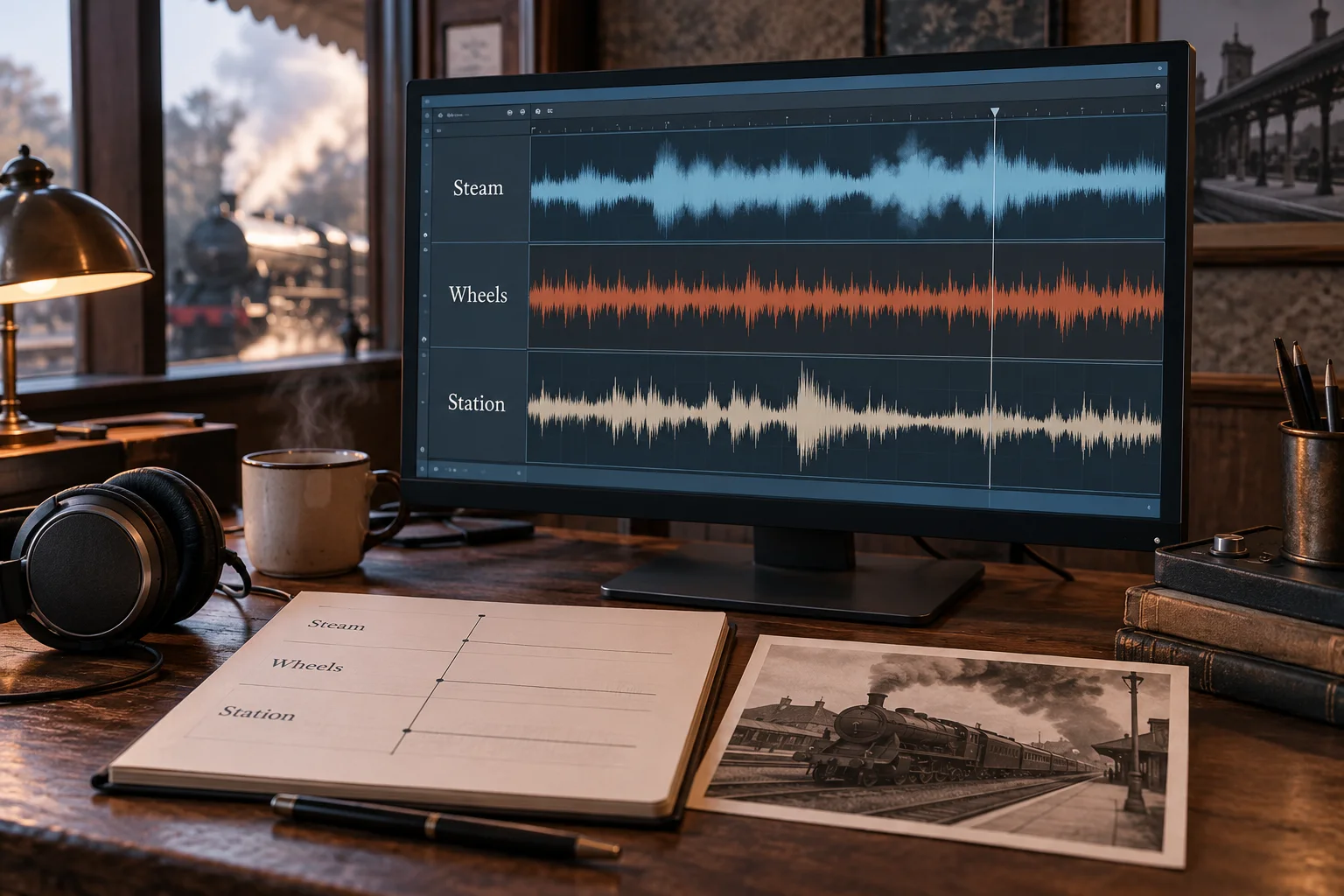
“Tenvoril Sound” · Studio concept
Audio & music
Shape our railway recordings into an audio story
Steam, wheels and station sounds organised into one listening journey.
Sending a proposal costs nothing. Nobody can pay to rank above you.
Before you propose
Present work you can explain: the brief, what you did, and the outcome. Keep your availability and services current. Read the scope, ask about anything missing, and propose a realistic price and timeline.
Uploaded work is a person’s own claim. A platform provenance badge links to a qualifying delivery; it does not certify every skill or guarantee a future result. Reviews provide another perspective.
Trades, cleaning, moving, repairs. They need someone local and insured, and a review with pins on a delivery is no use to a plumber.
Advice only a licence can give.
Legal representation, medical diagnosis, signed tax filings, notarisation. A person here can help you prepare — the licensed act itself belongs with the licensed professional.
Anything we would have to fake.
No AI that approves work, no ratings we didn't earn, no listings copied from somewhere else.
Independent professional projects
Do good work. Keep clear terms.
Check payment is marked Protected before you start. Deliver against the agreed brief.
Minimum project ₹500.00. Work GST, if applicable, is included in the project price.
Client’s project price₹10,000.00
You receive₹9,410.00Before TDS/TCS
Fee breakdown & assumptions
Platform fee · 5%
− ₹500.00
GST on our fee · 18%
− ₹90.00
The same fee for new, repeat and brought clients. A registered professional may still owe GST included in their payout.
At checkout
Payment-method charges are paid by the client, shown at checkout before payment. These charges do not reduce the payout above.
Already have a professional?Keep working together. Give the next project a shared record.
Already work together?
Same people. Agree your next project.
Keep the relationship, the rate and the way you talk. Give the next project a shared brief, delivery record and payment history.
The professional pays 5% of project price, minimum ₹100 / US$1, plus applicable tax on our fee. Payment-method charges are paid by the client, shown at checkout before payment.
Keep talking by email or WhatsApp. Keep the brief, delivery, review and approval here: that is what the protection and project record attach to.
You each need an account. The professional creates the invitation; joining through it records that you already know each other. If a link expires, ask them for another.
Already mid-project? Finish the work in flight as planned and put the next delivery here. Nothing has to be migrated. No subscription, lock-in or fee to walk away.
Work together again
Invite your client.
01
Create your link
Open your profile and choose “Invite a client”.
02
Share it
Send it to your client. The link lasts 30 days.
03
Agree the next project
When they join, confirm the delivery in your shared chat.